


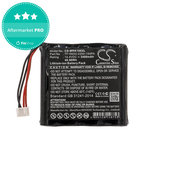
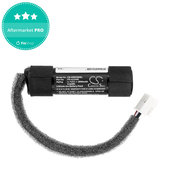
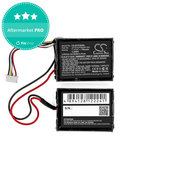
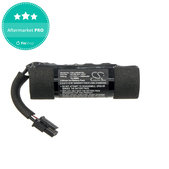
How to choose a battery for a Bluetooth speaker?
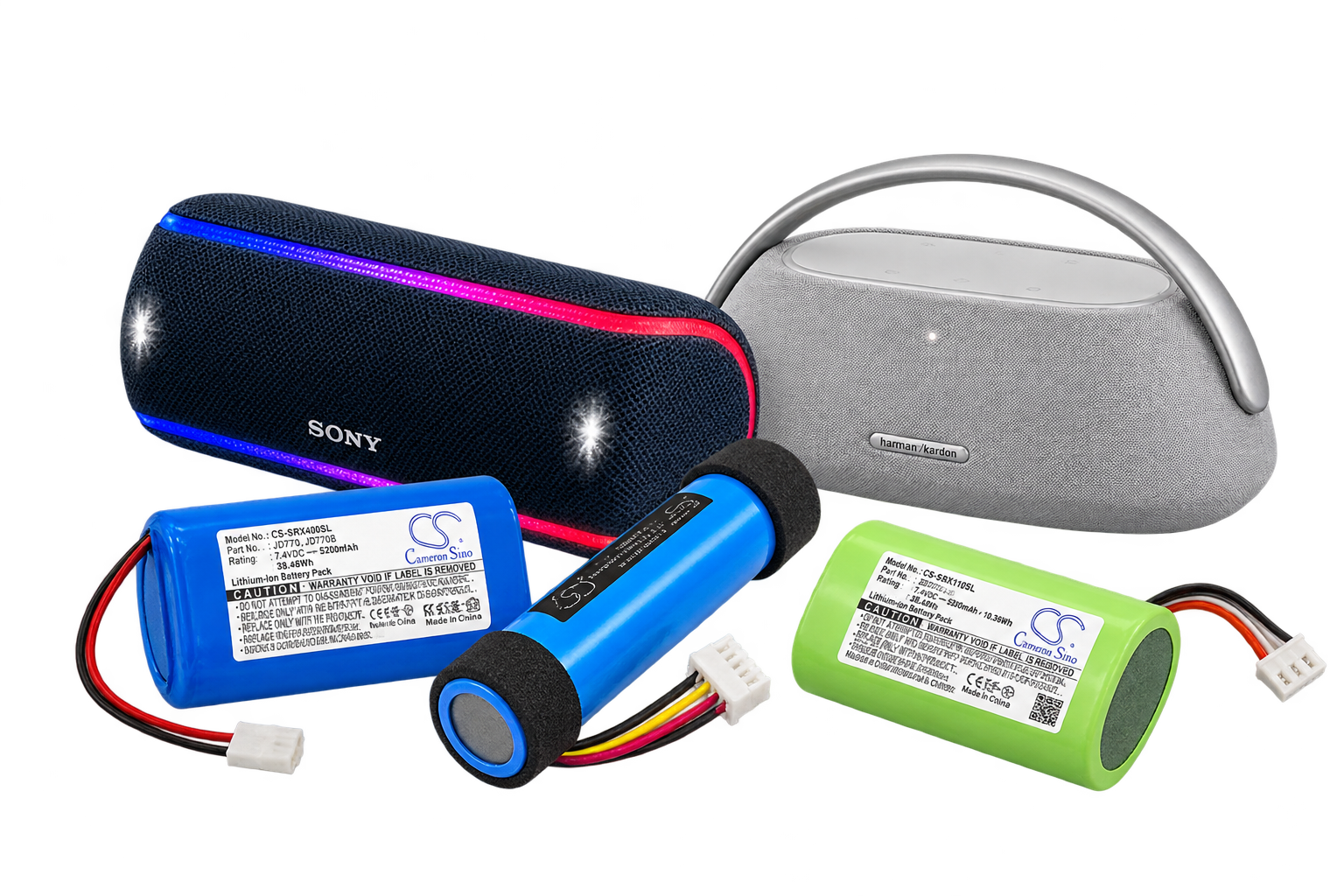
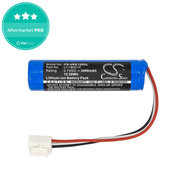
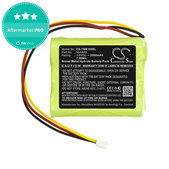
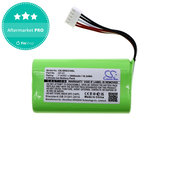
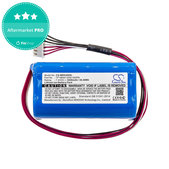
Choose the battery according to the speaker model, the original battery designation and its technical parameters. Different generations or versions of the same speaker may also use different batteries.
Check the following before ordering:
- Speaker model – the exact designation and, if applicable, the device version.
- Battery designation – compare the code of the original battery with the spare one.
- Voltage (V) – it must correspond to the device’s requirements.
- Capacity (mAh) – at the same voltage, a higher capacity may mean longer battery life.
- Dimensions and connector – they must allow the battery to be correctly installed and connected.
Matching the speaker model, voltage or capacity alone does not necessarily guarantee that the battery is suitable. The dimensions, connector wiring or protective electronics may also be decisive. Therefore, always verify that the spare Battery is intended for your device.
How to find the designation of the original battery?
The battery designation can usually be found on its label. It may include the model number or battery code, voltage and capacity. For speakers with a built-in battery, it may be necessary to disassemble the device to identify it. If you are unsure about the procedure, contact a professional service centre.
When should you replace the battery in a Bluetooth speaker?
The battery should be replaced when it has significantly lost capacity or can no longer reliably power the Speaker. The most common signs include:




However, these symptoms may also indicate another fault. It is therefore advisable to verify the cause of the problem before replacing the battery.
How to replace the battery in a Bluetooth speaker?
Replacing the battery usually requires opening the speaker, disconnecting the original battery and installing a new one. The exact procedure depends on the specific model. For some speakers, replacement is easier, while for others it may be difficult or impractical.
If you have no experience repairing electronics, we recommend entrusting the replacement to a professional service centre. Do not use a damaged or swollen battery.
Spare batteries for other audio devices too
In addition to portable Bluetooth speakers, this category may also include spare batteries for other audio devices, such as home sound systems, wireless microphones or portable players. Check the list of supported devices for each product.
FAQ
Yes, if it is intended for the specific model and meets all the required parameters. A higher capacity at the same voltage may extend the speaker’s battery life, but matching the voltage and connector alone is not enough to confirm compatibility.
They differ in the technology used and their properties. Li-Ion and Li-Pol are lithium rechargeable batteries, while Ni-MH batteries use different chemistry and have different charging requirements. When replacing a battery, always use the type intended for the specific device.
The cause may be a worn-out Battery, a faulty charge indicator or a power supply fault. If the Speaker switches off even after being fully charged, the problem may also be related to the electronics or contacts, not just the battery itself.
Yes, especially if the Speaker is otherwise fully functional and the problem is caused only by a worn-out Battery. Replacing the battery may be more cost-effective than buying a new device and can also extend its lifespan.

