



In case of a product complaint, it is necessary to first perform an online or manual complaint and then proceed with the return via DPD according to the instructions below.
Step 1 – Visit the DPD portal
Visit the page https://rmp.dpdgroup.com/016/ifix, where you can return any shipment you have received from us.
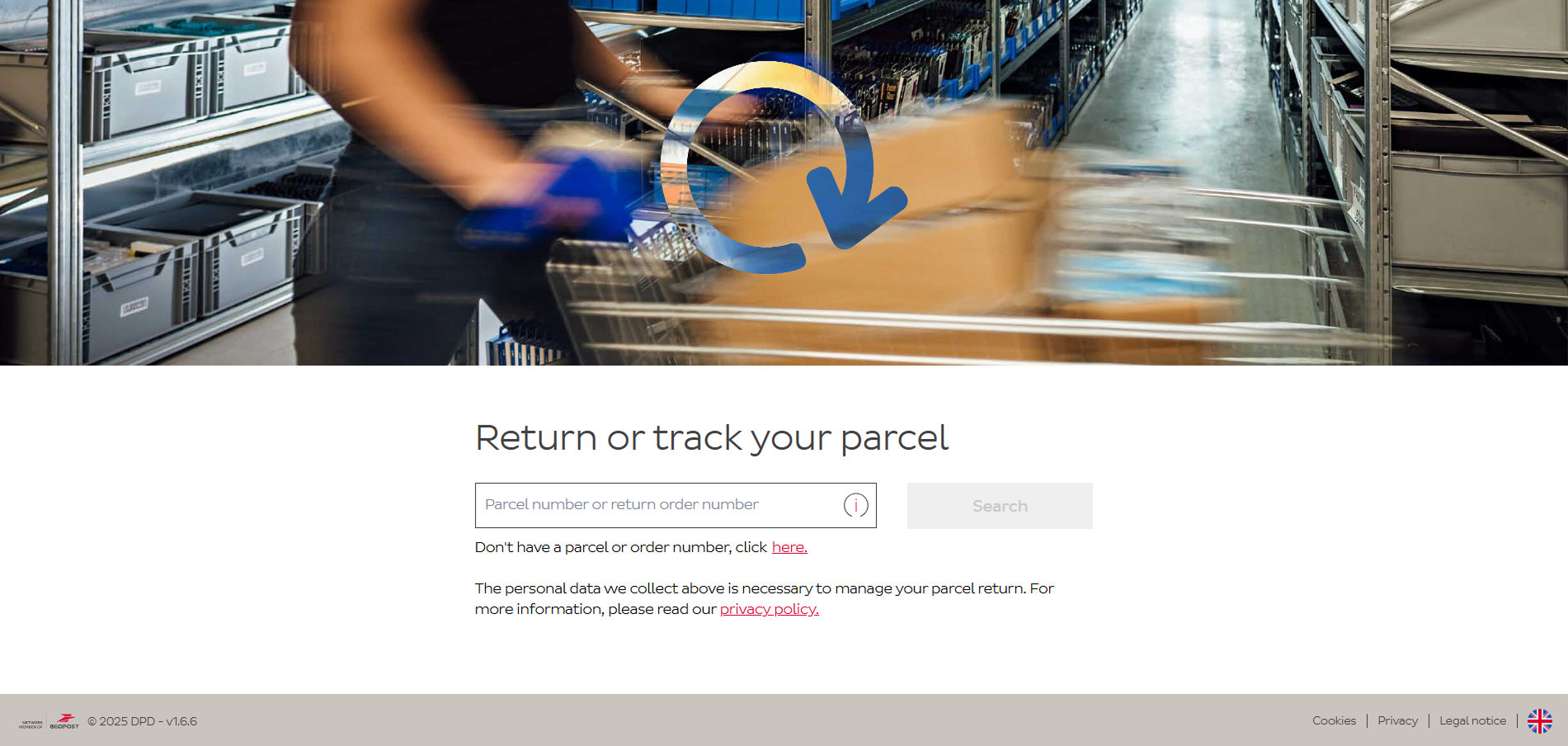
Step 2 – Select language
Choose from the available language options.
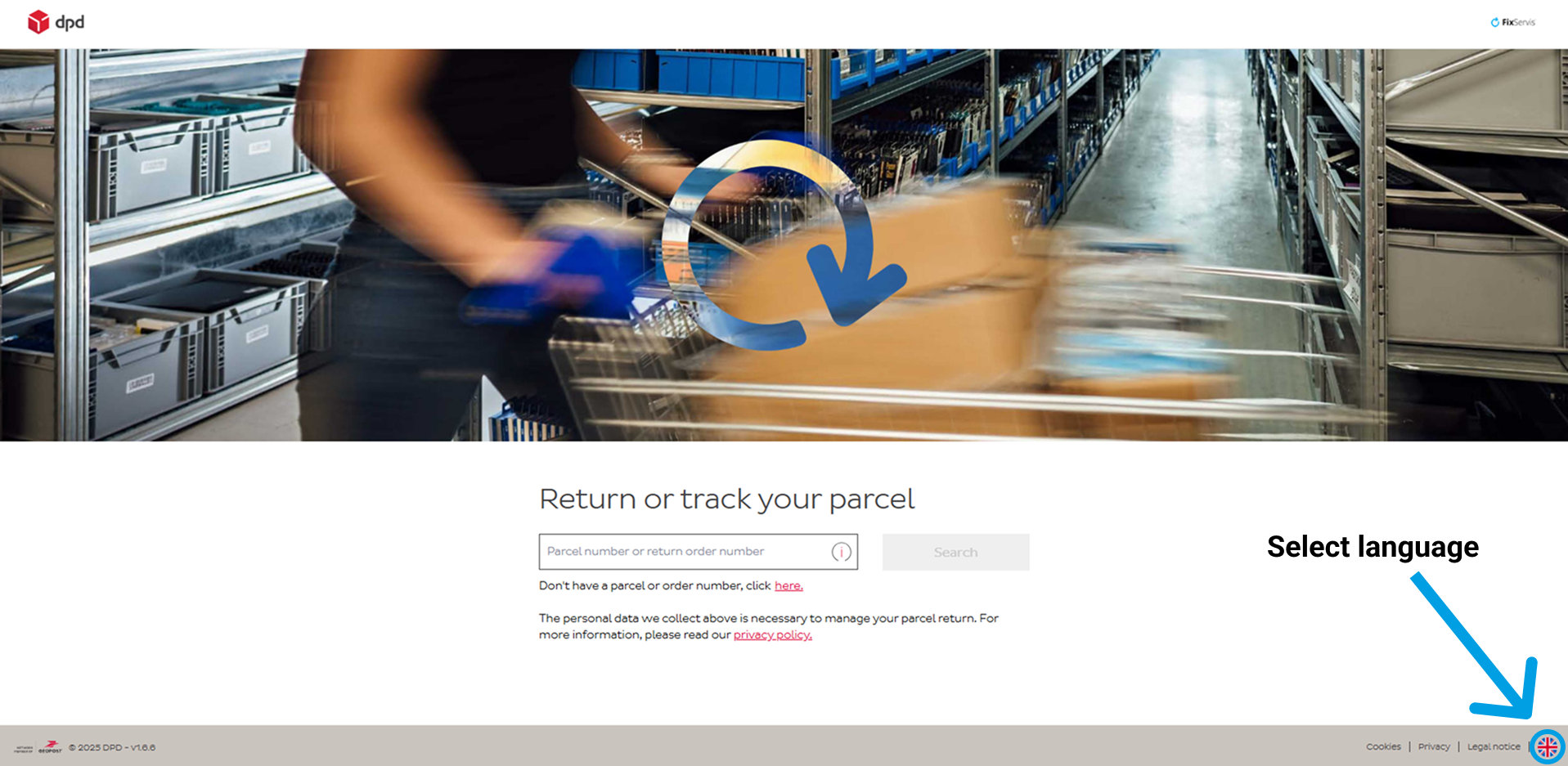
Step 3 – Enter the order number
1. If your package was delivered via DPD, use the tracking number assigned to your shipment. Your details will be automatically filled in, and you can proceed.
2. If the package was not delivered via DPD, you will need to manually fill in the form to register in the DPD system.
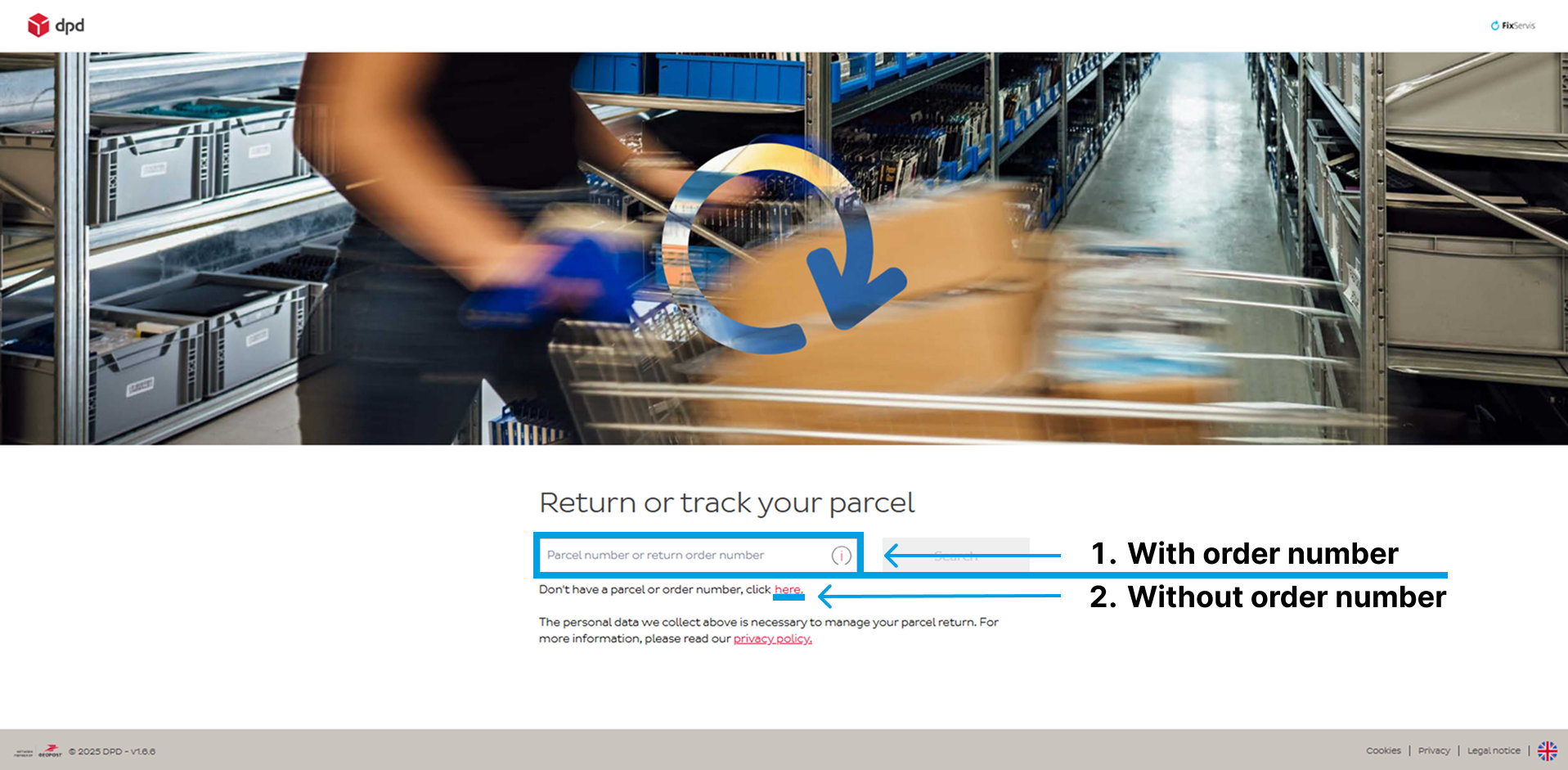
Step 4 – Select the return method
Below the text, a question will appear: How would you like to return your shipment? Select the option "Bring to a pickup point," and a form will appear for you to fill in your details. (A pickup point also includes a self-service box).
Step 5 – Fill in the details
Enter your personal details, based on which the system will suggest the nearest DPD pickup points where you can drop off your shipment. Do not enter our company details, as they will be automatically filled in at the end of the process.
1. Select the country from which you will send the package. Note: Once you select the country, you won't be able to change it.
2. Enter your address so that the system can automatically find the nearest DPD pickup points.
3. Choose whether you are a business or an individual.
4. Enter your name or company name.
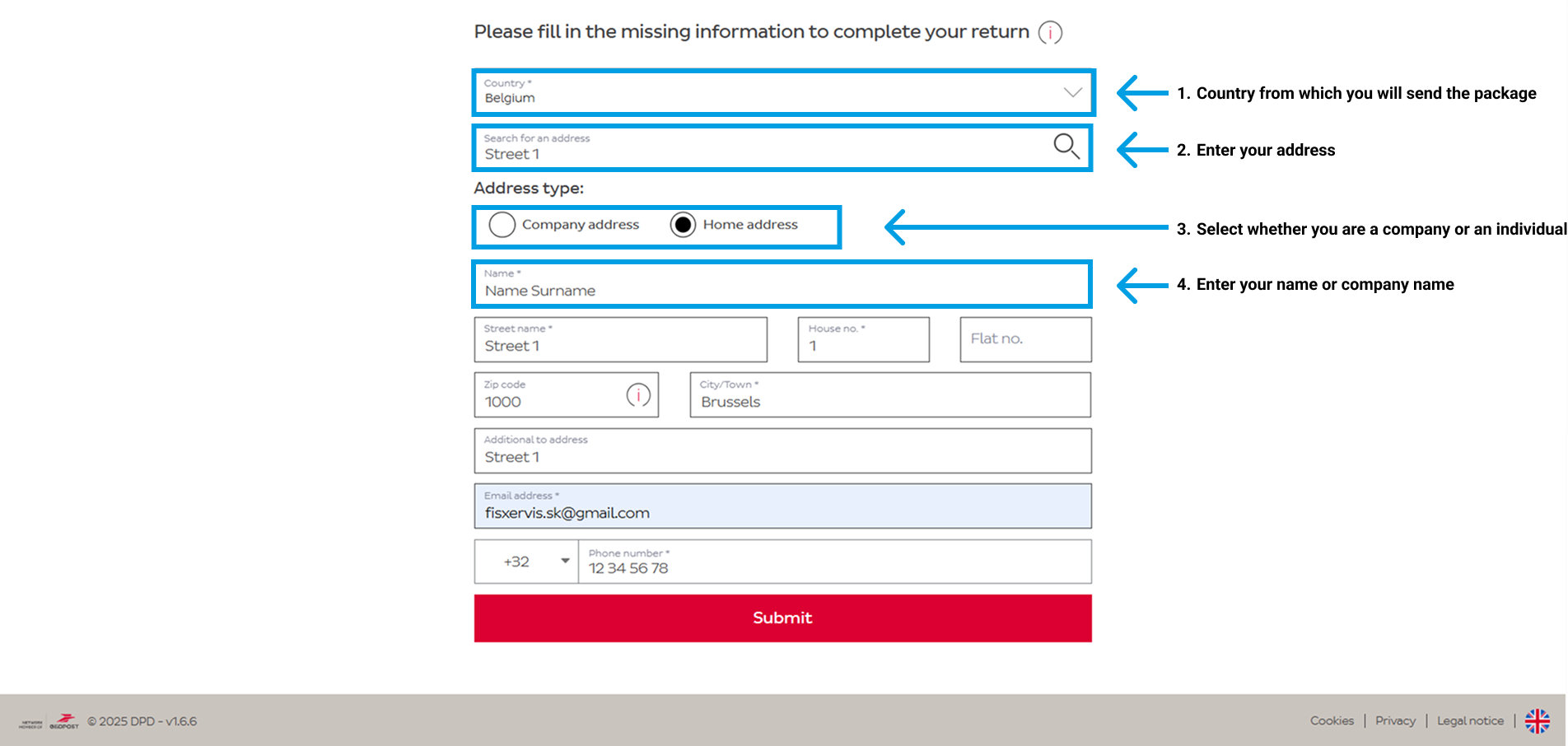
Fill in the other required details (mandatory fields are marked with an asterisk *).
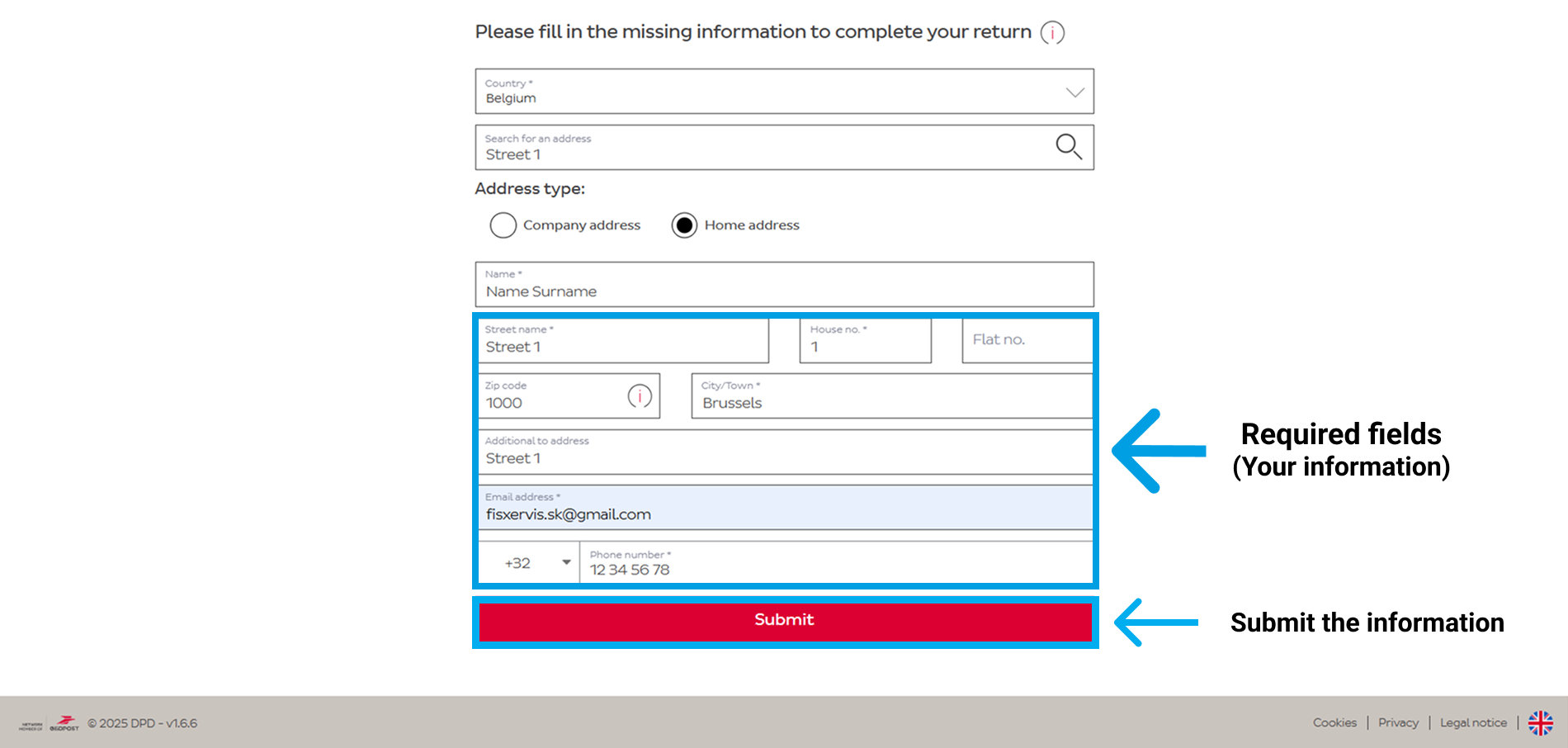
After filling in the details, click the "Submit" button.
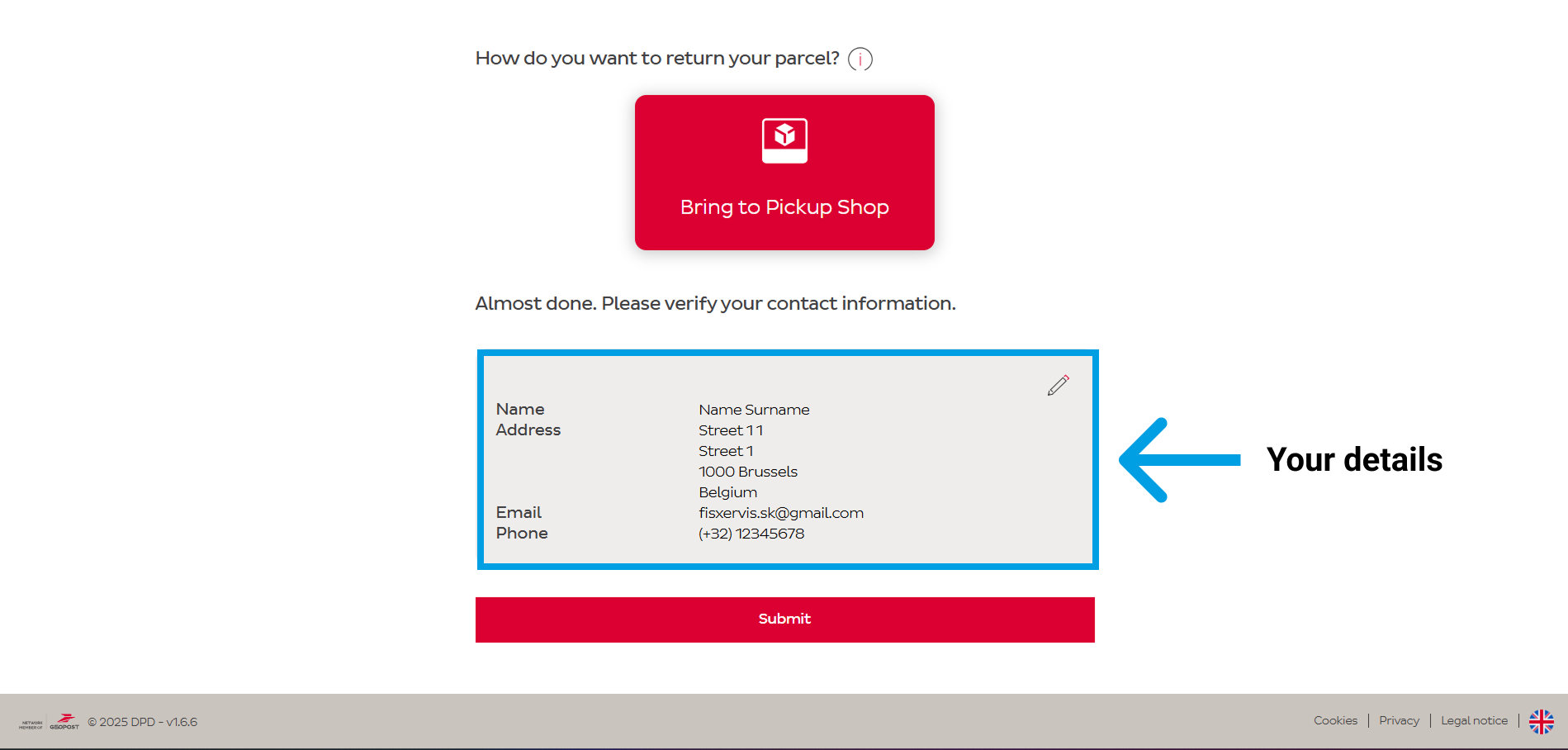
Step 6 – Verify the details
Before confirming the return, check all the entered details and make sure they are correct.
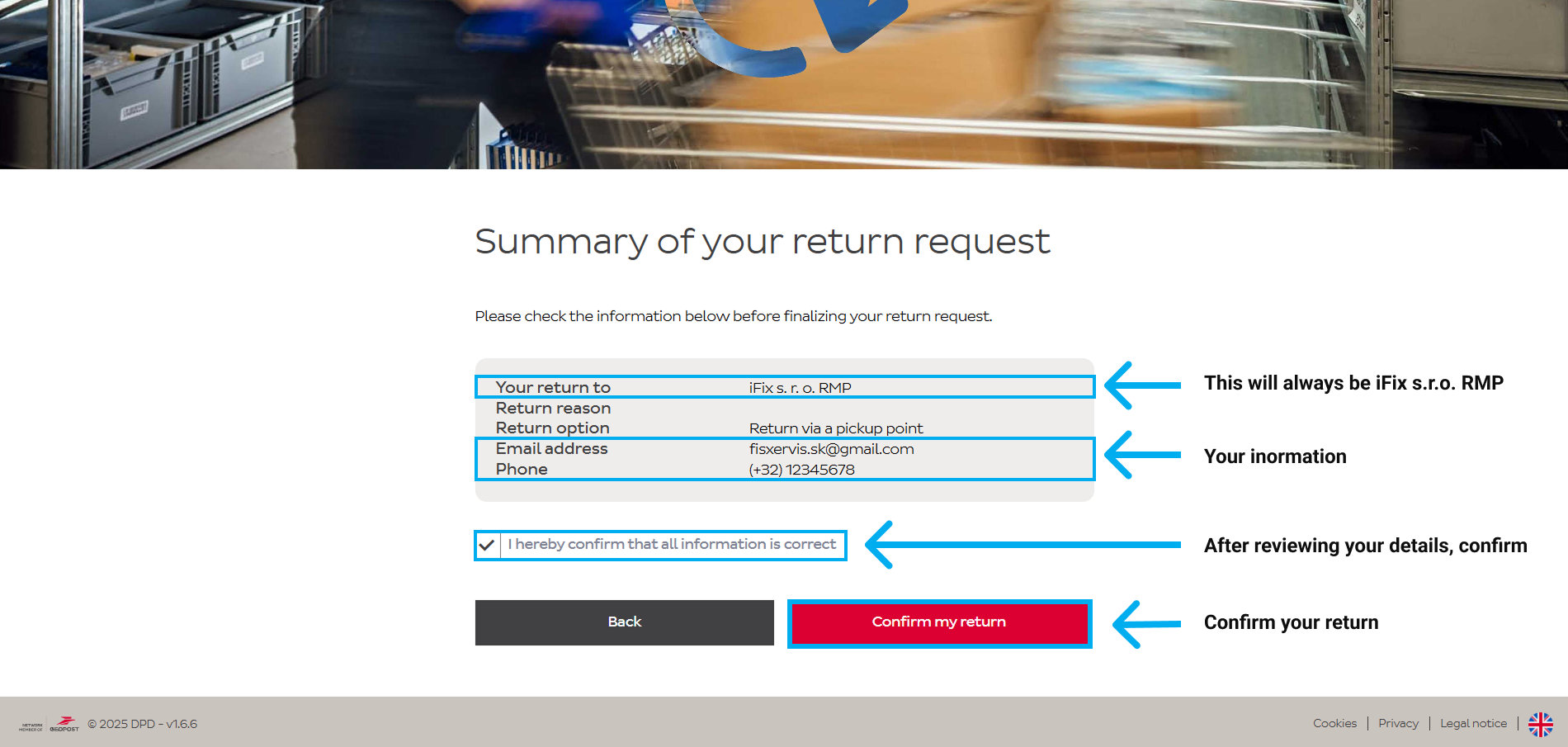
Step 7 – Print the label
After confirming the return, print the label and follow the instructions to complete the process correctly. (Information and the label will also be sent to your email).
Don't have a printer? We recommend contacting DPD customer support or visiting the nearest pickup point to check available options.
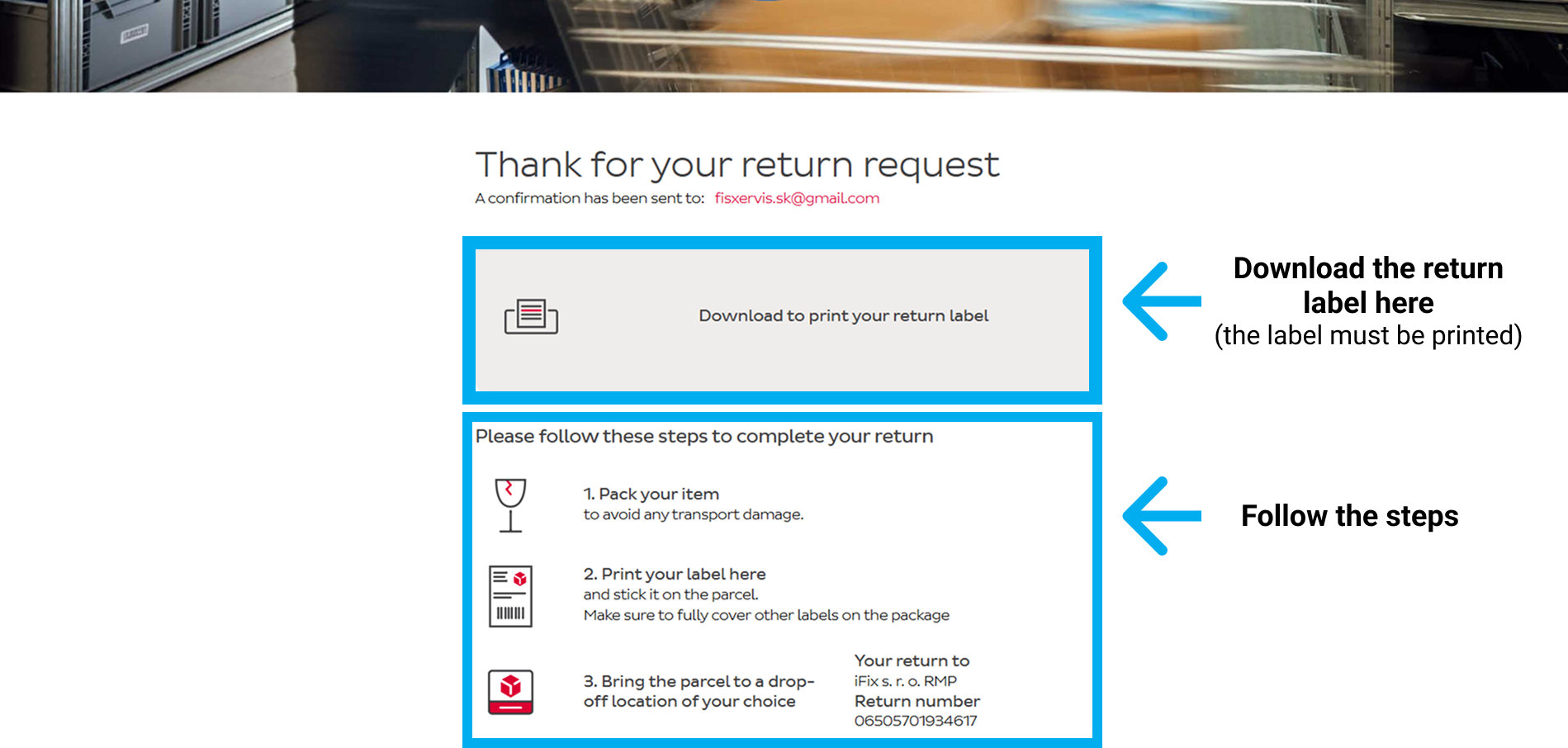
Step 8 – Select the pickup point
Based on the entered address, the nearest pickup points where you can drop off the package will be displayed.
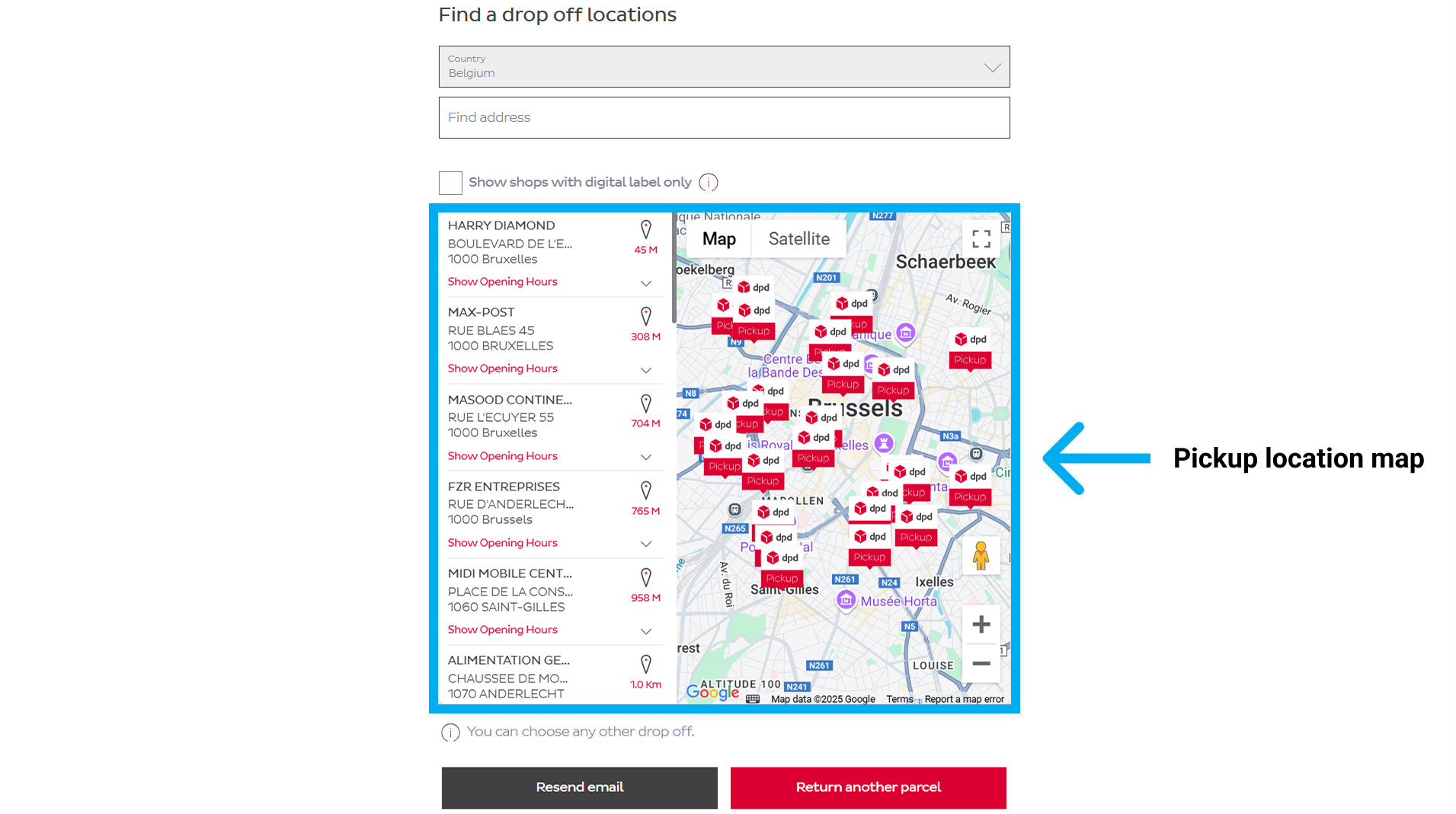
Step 9 – Send the package
Attach the printed label to the package in which you have packed the product, and bring it to the pickup point for it to be delivered back to us.
Additional information:
Return deadline: If a return deadline is set, make sure to send the package on time.
Need help? If you have any questions, contact our customer support.

