


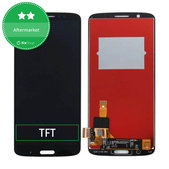
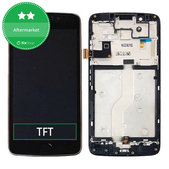
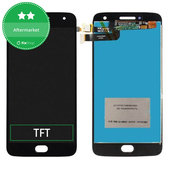
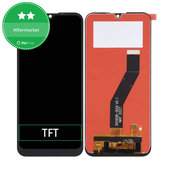
How to choose a Motorola display in 4 steps?
For some models, several display variants are available. When choosing a replacement display, check these four key details:
- Exact device model – check the phone name and its model number, for example in the XTxxxx format.
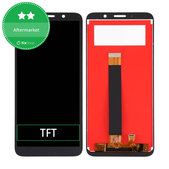
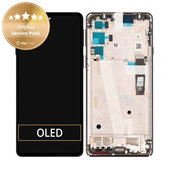
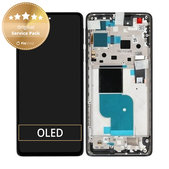
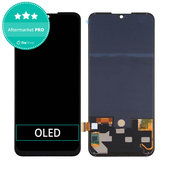
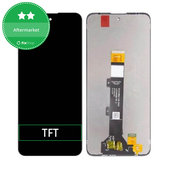
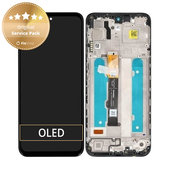
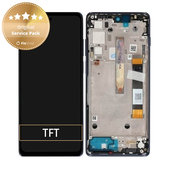
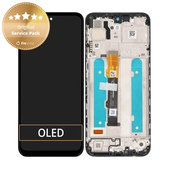
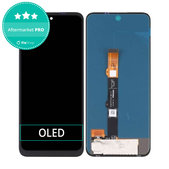
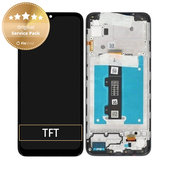
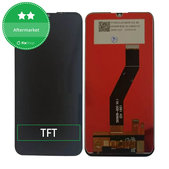
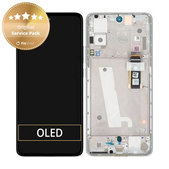
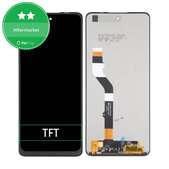
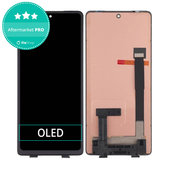
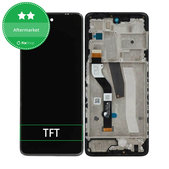
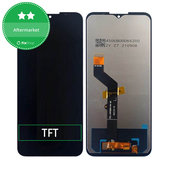
- Display technology – depending on the specific model, choose a TFT or OLED variant.
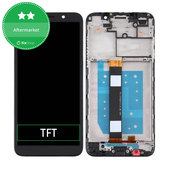
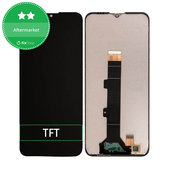
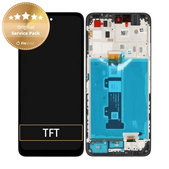
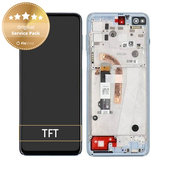
- With or without frame – this affects the installation process and whether the phone’s original frame is reused.
- Quality variant – displays are available as Genuine Service Pack, Aftermarket or Aftermarket PRO.
Check the exact model in the device information or on the phone’s original packaging. When choosing a replacement display, check not only the commercial model name but also the model number in the XTxxxx format, if listed. This helps distinguish between different versions of devices with similar names.
TFT or OLED – what is the difference?
Replacement displays for Motorola are available with TFT and OLED technologies. For some models, both TFT and OLED variants are available. These technologies differ in how they produce an image and in their resulting display characteristics.
If the phone was originally equipped with an OLED display, a compatible TFT is an alternative that uses a different display technology. Its display characteristics may therefore differ from the original OLED panel. If you want to retain OLED technology, choose a compatible OLED variant.
The TFT or OLED designation alone does not determine compatibility. The replacement display must be designed for the specific device model and version.
Display with or without frame?
Replacement Motorola displays are available with or without a frame. The difference is particularly important for the repair process.
Display with frame
The display assembly is already installed in a replacement frame. This version simplifies part of the installation and is also suitable when the original frame is damaged or deformed. Depending on the device design, additional components may still need to be transferred from the original part of the phone.
Display without frame
The new display assembly is installed into the phone’s original frame. The condition of the original frame and precise installation of the new part are therefore important.
For displays with a frame, also pay attention to the colour variant. Different frame colours are available for some devices.
What Motorola display quality options are available?
Motorola replacement displays are available in three quality variants:
Display quality and display technology are two different specifications. TFT or OLED describes the display technology, while Genuine Service Pack, Aftermarket and Aftermarket PRO distinguish the origin or quality level of the replacement part.
When does a Motorola display need to be replaced?
The replacement displays in this category are display assemblies with touch screen that combine the display and touch components. Depending on the specific product, a frame may also be included in the assembly.




A working image does not necessarily mean that the entire display assembly is functioning correctly – the touch component may be damaged. Likewise, cracked glass alone does not determine the extent of damage to the display and touch components.
If the cause of the problem is unclear, it is advisable to diagnose the device before ordering a replacement part.
Replacing a Motorola display yourself or using a repair service?
Replacing a display requires disassembling the phone, working with bonded components and carefully handling flex cables and other sensitive parts. The installation process also differs depending on whether you use a display with or without a frame.
The display assembly is sensitive to mechanical damage. Thin OLED panels in particular require careful handling, as excessive bending or pressure during installation can damage the panel.
If you have experience repairing mobile phones and the necessary service equipment, follow the repair procedure for the specific model. Otherwise, it is advisable to have the display replaced by a professional repair service.
Frequently asked questions
How do I find the exact model of my Motorola phone?
Check the exact model in the device information or on the phone’s original packaging. When choosing a replacement display, check not only the commercial model name but also the model number in the XTxxxx format, if listed. This helps distinguish between different versions of devices with similar names.
Can I use a TFT display instead of an OLED display?
Yes, if the specific TFT display is designed as a compatible replacement part for your model. TFT uses a different display technology, so its image characteristics may differ from the OLED variant. If you want to retain OLED technology, choose a compatible OLED display.
Is a display with a frame better than one without a frame?
Neither option is universally better. A display with a frame simplifies part of the installation and is also suitable if the original frame is damaged or deformed. A display without a frame is installed into the phone’s original frame.
What does Genuine Service Pack mean for Motorola displays?
Genuine Service Pack indicates a genuine service replacement part.
What is the difference between Aftermarket and Aftermarket PRO?
Aftermarket is an alternative replacement part from a manufacturer other than the device manufacturer. Aftermarket PRO represents a higher quality level within aftermarket replacement parts.
Do I need a new display if the image works but the touch screen does not?
Yes, if the touch component of the display assembly is damaged, the solution is to replace the display and touch screen assembly. If the cause of the touch screen problem is unclear, it is advisable to diagnose the device before ordering the part.
Do I need to replace the entire display assembly if the glass is cracked?
Yes, this category contains complete display and touch screen assemblies. However, the crack itself does not determine the extent of damage to the display and touch components of the device.
Does the frame colour matter when choosing a replacement display?
Yes. For a display with a frame, the colour is part of the replacement part variant. If several frame colours are available for the model, choose the required colour.

