


How to Identify the Exact MacBook Model
Individual MacBook generations may differ in dimensions, connectors, and display construction. Before ordering, compare the product information with the identification details of your device.
Serial number: W88401231AX*
You can find it in the “About This Mac” section.
Model number: A1534*
You can find it on the bottom cover.
Model identifier (Model ID)
MacBookAir8,2 or Mac15,3*
You can find it in the “About This Mac” section.
EMC No.: 1969*
You can find it on the bottom cover.
*Example designation.
If the model number is not visible, you can verify the device model using the serial number on the Apple Check Coverage page.
Which Type of Part to Choose
| Device condition | Recommended part |
|---|---|
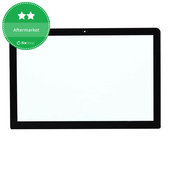
| Only the front glass is damaged and the image displays correctly | Front glass |
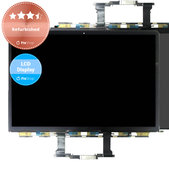
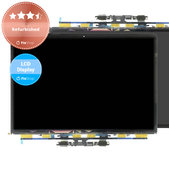
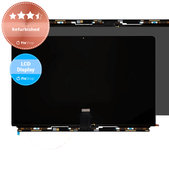
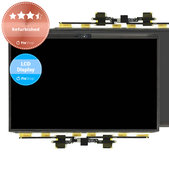
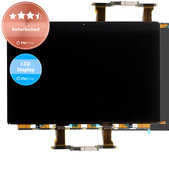
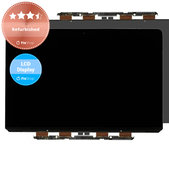
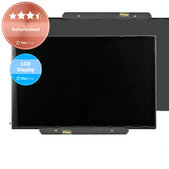
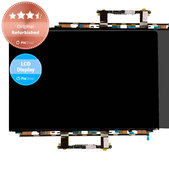
| The display does not show the image correctly, flickers, or shows lines or spots | LCD display |
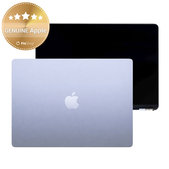
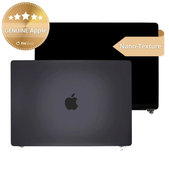
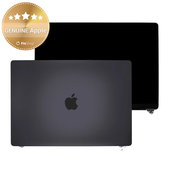
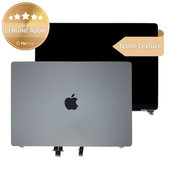
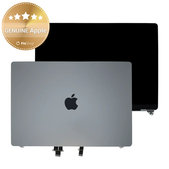
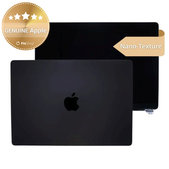
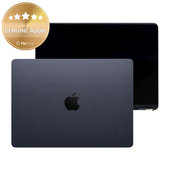
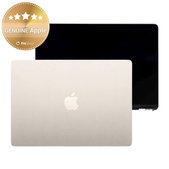
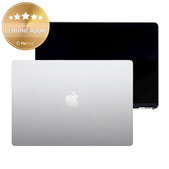
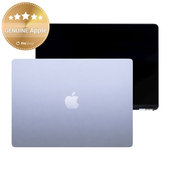
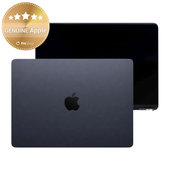
| The top cover is also damaged, or you want to replace the entire upper assembly | LCD display with front glass and cover |
A separate front glass is available only for selected models. Its replacement requires professional equipment and experience.
Comparison of MacBook Display Quality Grades
| Quality | Description | Suitable for |
|---|---|---|
| Genuine Apple | New genuine part from official Apple distribution | Repairs using a genuine part |
| Refurbished | Refurbished genuine display in which some parts may have been replaced | Maintaining the original image quality at a more affordable price |
| Aftermarket | New non-genuine part made by a third-party manufacturer | Cost-effective repairs |
More detailed information is available on the Quality standards of spare parts page.
What You Should Know Before Replacing the Display
Using a refurbished display may cause slight differences in webcam calibration on some models because the logic board recognises the serial number of the original camera module. The camera remains functional during normal use.
When using a refurbished display on some MacBooks with Apple silicon, the True Tone function and automatic adjustment of the display or keyboard backlight may be limited. Brightness may need to be adjusted manually.
To retain the original automatic functions, replacing a separate LCD display with front glass and flex cable may require keeping the original display cover and other original components.
On supported MacBooks with Apple silicon, the repair and calibration may need to be completed using Repair Assistant after installing a genuine Apple display. Availability depends on the specific model and macOS version.
When Is a MacBook Display Repair Necessary?
We recommend repairing or replacing the display particularly when:
- the front glass is cracked or heavily scratched,
- the display remains black,
- the image flickers or cuts out,
- lines, spots, or defective pixels appear,
- part of the screen does not display an image,
- the backlight does not work,
- the image changes when the cover is moved,
- the top cover is damaged or bent.
The problem may not necessarily be caused by the LCD display itself. The flex cable, connector, backlight, or another component may also be damaged, so professional diagnostics are recommended.
MacBook Repair Guides
If you have repair experience and want to replace the display yourself, see our MacBook repair guides. They include step-by-step procedures, recommended tools, and important information about disassembling the device and replacing individual components.
Proceed carefully during the repair to avoid damaging the new part, flex cables, connectors, or other MacBook components.
Options for Repair Shops and DIY Repairers
Do you operate a repair shop or retail store, or regularly purchase replacement parts? Join our wholesale programme and receive more favourable purchasing conditions based on your turnover.
Do you want to repair your MacBook yourself? Join the Fix-Handyman programme and receive better prices on replacement parts and tools.
Frequently Asked Questions – FAQ
Is knowing the MacBook model release year enough when choosing a display?
No. The most important details are the Axxxx model number, EMC number, model identifier, screen size, and compatibility stated in the product description.
When is replacing only the front glass sufficient?
A separate front glass is suitable for selected models when only the glass is damaged and the LCD display shows the image correctly. The replacement requires professional equipment.
Is a Refurbished display genuine?
It is based on a genuine display from an original device. However, some parts, such as the front glass, frame, or flex cable, may have been replaced during refurbishment.
What does a complete display assembly include?
It usually includes the LCD display, front glass, and top cover. The exact contents may vary, so always check the information provided with the specific product.
What is the difference between a Genuine Apple and an Aftermarket display?
Genuine Apple is a new genuine part from official Apple distribution. Aftermarket is a new non-genuine part that may differ in image quality, appearance, workmanship, or available functions.
Can I replace the display at home?
Yes, but the repair requires suitable tools, experience, and an exact repair procedure. If you do not have sufficient experience, we recommend using a professional repair service.
What should I do if I am unsure about compatibility?
Send us the serial number, Axxxx model number, model identifier, EMC number, or a photo of the bottom cover. We will help you verify the correct part.
Related Categories
MacBook Batteries
MacBook Replacement Parts
Tools
Quality standards of spare parts

