

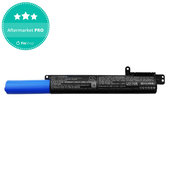

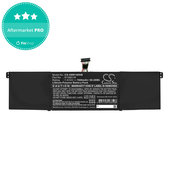

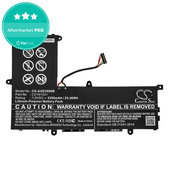
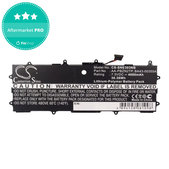

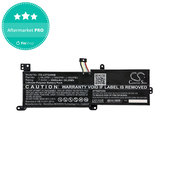
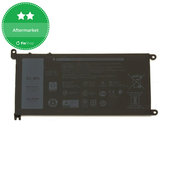
When should you replace your notebook battery?
A notebook battery gradually wears out with use and age. One of the most common signs is a noticeable reduction in how long the device can operate without being connected to a power adapter.
Signs of a deteriorating battery may include:
- significantly shorter runtime on a single charge,
- rapid battery drain,
- charging problems,
- the notebook shutting down while running on battery power,
- inaccurate remaining battery capacity readings,
- system warnings about deteriorating battery condition.
However, power-related problems are not always caused by the battery itself. The issue may also be related to the power adapter, charging connector, or another component of the notebook.
If the battery is visibly swollen, deformed, or otherwise physically damaged, stop using it. Do not puncture or compress a damaged battery and arrange for its safe replacement.
How to choose the right battery for your notebook?
The most important criterion is compatibility of the replacement battery with the specific notebook. Two similar notebooks from the same brand or product series may not necessarily use the same battery.
When choosing a battery, check in particular:
- the exact notebook model,
- the designation or part number of the original battery,
- the compatibility specified for the replacement battery,
- voltage,
- capacity,
- battery technology and design.
Not every specification is equally important for every product. However, matching just one parameter is not enough to confirm compatibility. If you have the original battery available, its designation is one of the most useful details when looking for a suitable replacement.
Original battery designation
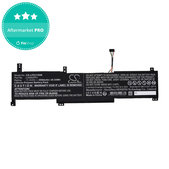
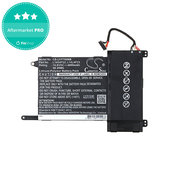
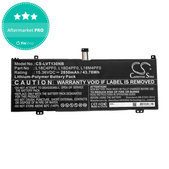
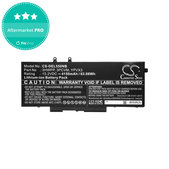
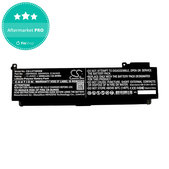
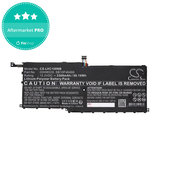
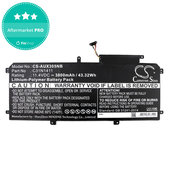
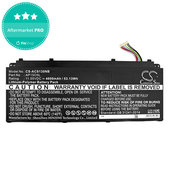
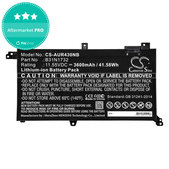
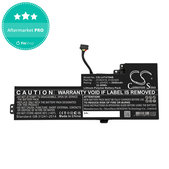
Manufacturers use part numbers to identify specific battery types. Depending on the manufacturer, you may encounter designations such as HT03XL, B31N1912, L16L2PB1, or G3HTA061H.
One replacement battery may be compatible with several original battery designations or multiple notebook models. This means that a replacement part does not always need to have exactly the same part number as the original battery.
When choosing a replacement, compare the designation of the original battery with the specifications and list of compatible devices provided for the replacement product.
Battery capacity – what do mAh and Wh mean?
Capacity is one of the basic specifications of a notebook battery. It may be stated in mAh (milliampere-hours) or Wh (watt-hours).
The mAh value indicates the battery's electric charge capacity. Wh indicates the amount of energy the battery can store and also takes its voltage into account. For this reason, two different batteries should not be compared solely by their mAh value.
A higher capacity alone does not confirm compatibility with a notebook. When choosing a battery, compatibility with the specific device and the required electrical and physical specifications take priority.
Battery voltage
Voltage is measured in volts (V) and is one of the important electrical specifications of a battery. Notebook batteries may use different voltage values depending on their design and the device for which they are intended.
When replacing a battery, do not choose one based solely on capacity or physical similarity to the original part. Check the voltage, other relevant specifications, and above all the compatibility stated for the specific replacement battery.
Li-Ion and Li-Pol notebook batteries
Notebook batteries are commonly labelled as Li-Ion (lithium-ion) or Li-Pol (lithium-polymer). Both technologies use lithium but differ in cell design and how they are used in battery packs.
Li-Ion batteries have long been used in various types of notebooks. Li-Pol batteries allow for more flexible designs and are therefore also commonly used in thin notebooks and devices where efficient use of limited internal space is important.
When replacing a battery, however, choosing between Li-Ion and Li-Pol is not a matter of personal preference. A notebook is designed for a specific battery type and construction. Battery technology should therefore be considered one of the compatibility parameters of the replacement part, rather than a standalone measure of its quality.
Internal and removable batteries
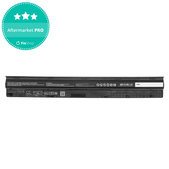
Notebook batteries also differ in how they are installed in the device. In some notebooks, the battery can be removed without opening the device, while in others it is located beneath the bottom cover.
Replacing an internal battery may require removing the cover, disconnecting the battery from the device, and using suitable tools. The exact procedure depends on the notebook model.
If you do not have experience disassembling devices, it may be better to have the battery replaced by a professional. Proceed carefully during replacement to avoid damaging the battery or other components.
Batteries for different notebook brands
Replacement batteries are available for various notebook brands and model series. The range includes, for example, batteries for Lenovo, HP, Dell, Asus, Acer, Microsoft, MSI, Fujitsu, Huawei, Samsung, and more.
One battery type may be compatible with multiple device models. At the same time, notebooks belonging to the same product series do not necessarily use the same battery. The brand or series name should therefore only be used as a starting point – compatibility of the specific replacement part is what matters.
Frequently asked questions
Where can I find the notebook battery designation?
The designation is usually printed directly on the original battery. For a removable battery, it can be found after removing the battery, while accessing an internal battery may require opening the notebook.
Can I use a higher-capacity battery in my notebook?
A higher capacity alone does not confirm compatibility. Use a battery that is intended for your specific notebook or is listed as compatible with the device in the product information.
Why are multiple notebook models listed for one battery?
The same battery type may be used in multiple devices. A single replacement battery can therefore be compatible with several notebook models or model series.
Can I replace a Li-Ion battery with a Li-Pol battery?
Not automatically. When replacing the battery, choose one that is intended for your specific notebook. Battery technology is only one of the parameters considered when determining compatibility.
Does the new battery need to have the same part number as the original?
Not always. A replacement battery may be designed as a compatible replacement for several original battery designations. Compare the original battery's part number with the compatible designations and models listed for the specific product.
More benefits when purchasing replacement parts
Whether you repair devices yourself or professionally, take advantage of better prices on replacement parts, tools and other equipment thanks to the Fix-Handyman and FixPartner programs.
Related categories:
Notebook Spare Parts
Notebook Charging Adapters
Notebook Connectors
Notebook Adhesives
Notebook Covers

