






How to choose a water tank for a vacuum cleaner?
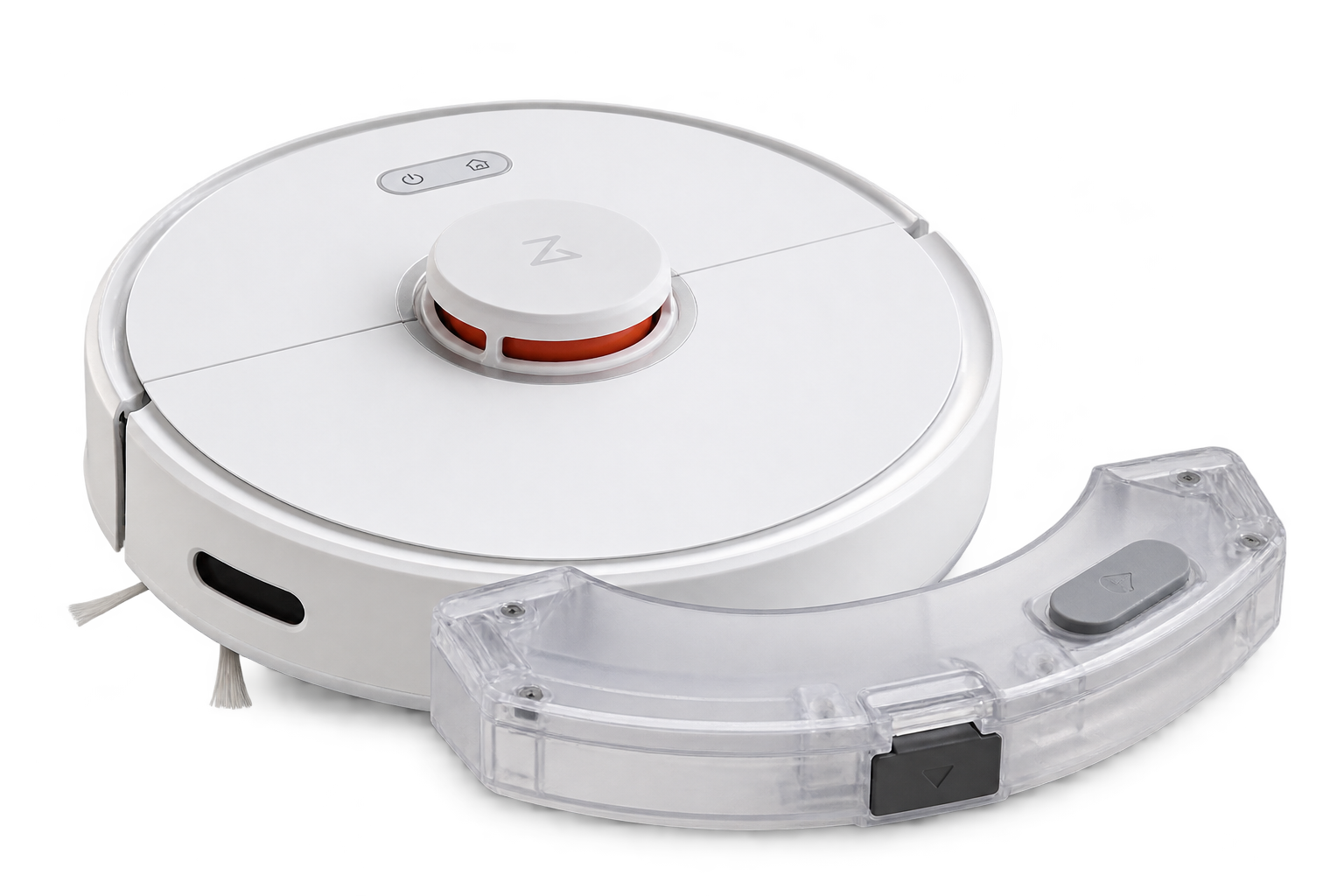
When choosing a spare water tank, compatibility with the specific robot vacuum cleaner model or its docking station is the most important factor. Even reservoirs from the same brand may differ in shape, mounting method, seals or water dispensing mechanism.
What to consider when choosing?
- Exact device model: Check the model designation of the vacuum cleaner or docking station and compare it with the list of compatible devices provided with the product.
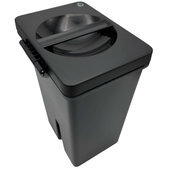
- Reservoir type: Distinguish between a water tank in the vacuum cleaner, a combined dust and water container, and a reservoir for a docking station.
- Clean or dirty water: Docking stations may use separate tanks for clean and dirty water, which are not interchangeable.
- Mounting and sealing: The spare part must match the design of the original tank, including caps, seals and any connectors.
- Spare part designation: If you know the service or product number of the original reservoir, compare it with the designation of the new part.
When is it necessary to replace the water reservoir?
A damaged tank can cause water leaks, mopping problems or incorrect operation of the docking station.
The most common signs of damage include:
If the vacuum cleaner does not dispense water, the cause may also be a clogged water outlet, pump or another part of the mopping system. Before replacing the tank, it is therefore advisable to check the actual cause of the malfunction.
Water tanks by vacuum cleaner brand and model
Spare water reservoirs are available for various robot vacuum cleaner model ranges, such as Xiaomi Mi Robot Vacuum Mop, Roborock S-series, Dreame, Ecovacs Deebot, Roidmi or Viomi.
Some spare parts may be compatible with multiple models, while others are intended exclusively for a specific device. Matching the brand alone or a similar tank appearance therefore does not guarantee correct compatibility.
For models with an automatic docking station, it is also necessary to distinguish between reservoirs located directly in the vacuum cleaner and tanks for clean or dirty water in the station.
Frequently Asked Questions (FAQ)
Find the exact model designation of the vacuum cleaner, which is usually stated on the device's rating plate. Then compare it with the list of compatible models provided with the spare part. For reservoirs for docking stations, also check the station model.
Some spare tanks are compatible with multiple Xiaomi and Roborock models, but this is not universally true. Individual models may differ in design, mounting or water dispensing method. The compatibility specified for the particular product is decisive.
The cause may be a cracked tank, damaged seal, incorrect installation or a faulty dispensing mechanism. If the reservoir is mechanically damaged and continues to leak water after correct installation, it may need to be replaced.
First check the amount of water in the reservoir, that the tank is installed correctly and whether the water outlets are clogged. Also check the mopping settings. If the problem persists, the cause may be a faulty dispensing mechanism, pump or another component of the device.
Empty and clean the tank regularly according to the device manufacturer's instructions. Remove deposits and check the condition of the seals. Use only approved cleaning agents and avoid aggressive chemicals or hot water unless permitted by the manufacturer.
The tank in the vacuum cleaner supplies water to the mopping system during cleaning. A compatible docking station may contain a larger clean water tank intended for refilling water or washing mops, as well as a separate tank for collecting dirty water. Their function and design differ.
With many robot vacuum cleaners and docking stations, the reservoir can be removed without tools. Simply remove it correctly and replace it with a compatible part. However, if replacement requires disassembling the device, we recommend following the service manual.

