


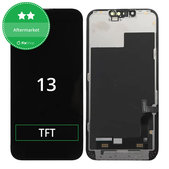
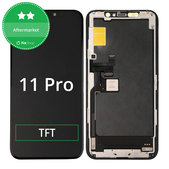
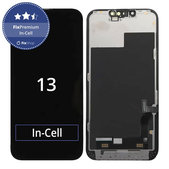
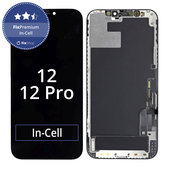
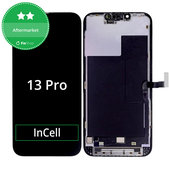
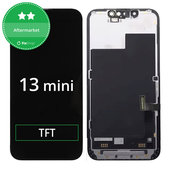
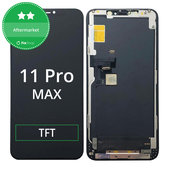
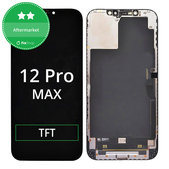
What Should You Check Before Ordering a FixPremium In-Cell Display?
1. Compatibility with the iPhone Model
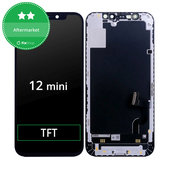
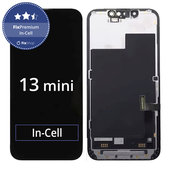
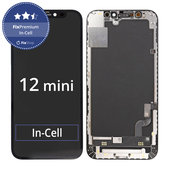
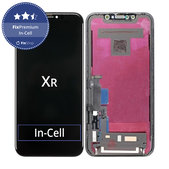
Each FixPremium In-Cell display is designed for a specific iPhone model. Even similarly named models may differ in their connectors, dimensions, sensor placement or display module construction.
You can find the exact model under Settings > General > About. If the iPhone cannot be switched on, identify it using the model number, original packaging or proof of purchase.
2. Standard or FHD Version
Compared to the standard version, FixPremium In-Cell FHD has a higher resolution and therefore offers a sharper and more detailed image. Always check the exact resolution and other specifications of the specific product.
3. Refresh Rate
Depending on the model and specific version, FixPremium In-Cell displays may have a refresh rate ranging from 60 to 120 Hz. Check the exact value in the product name, specifications and description.
4. Product Contents
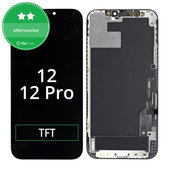
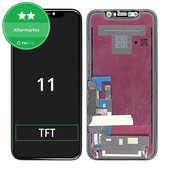
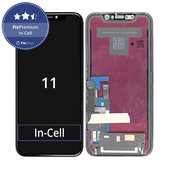
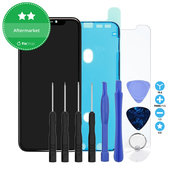
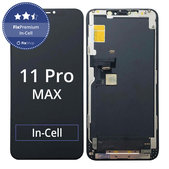
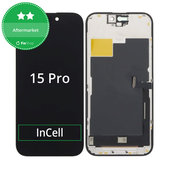
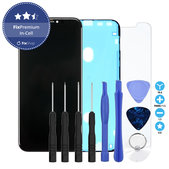
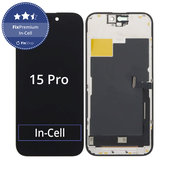
The product may include a standalone display or a complete display assembly with additional parts. Always check the exact contents in the name and description of the specific product.
What Should You Check Before Installing the Display?
Before permanently installing the display, check the image, touchscreen operation, brightness and correct connection of the flex cables.
Transfer the original sensors and other components carefully. Damage to these parts may affect Face ID or other device functions.
The replacement procedure may vary depending on the iPhone model. Switch off the device and disconnect the battery before starting the repair.
iPhone Display Replacement Guides
When replacing the display yourself, follow a guide intended for the specific iPhone model. Our repair guides include display replacement procedures and recommended tools.
Frequently Asked Questions - FAQ
What Is the Difference Between FixPremium In-Cell and FixPremium In-Cell FHD?
Both versions use TFT In-Cell technology. FixPremium In-Cell FHD has a higher resolution and therefore offers a sharper and more detailed image. The exact specifications depend on the specific product.
What Is the Difference Between an In-Cell and an OLED Display?
In-Cell uses TFT LCD technology with a backlight. An OLED display produces light in each individual pixel and therefore generally offers deeper blacks, higher contrast and more vivid colours.
Does FixPremium In-Cell Support a 120 Hz Refresh Rate?
Selected products are available with a 120 Hz refresh rate. Always check the exact refresh rate in the specifications of the specific display.
Will Face ID Work After Replacement?
Face ID is not part of the replacement display. Whether it continues to work depends on the correct transfer of the original sensors and whether they are damaged during installation.
Will True Tone Work After Replacement?
True Tone will only work after replacement if the required data and serial number are copied from the original display to the new display assembly using a suitable programmer. If the data is not transferred, True Tone will not work.
Will a System Notification Appear After Replacement, and Will It Affect the iPhone’s Operation?
A “Important Display Message” or “Unknown Part” notification may appear after replacement because the display is non-original. The notification itself does not affect the device’s performance or the functionality of the installed display.
Can I Replace a FixPremium In-Cell Display Myself?
Yes, provided that you have the necessary experience, suitable tools and appropriate working conditions. Incorrect installation may damage the display, flex cables, sensors or other parts of the device.
Related Categories
All Displays for iPhone
Replacement Parts for iPhone
Repair Tools
Do You Repair Your iPhone at Home or Purchase Parts for a Repair Shop?
Do you repair your iPhone yourself? Join the Fix-Handyman programme and receive better purchasing conditions on displays, tools and other equipment required for repairs.
Do you repair mobile phones regularly? Take advantage of our wholesale cooperation and receive better prices and purchasing conditions on replacement parts, tools and repair equipment.

