


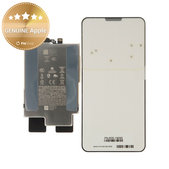
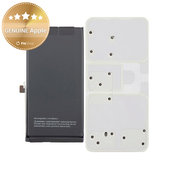
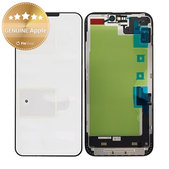
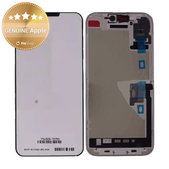
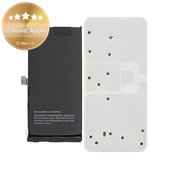
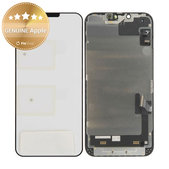
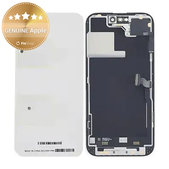
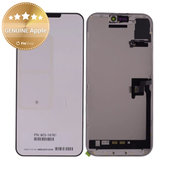
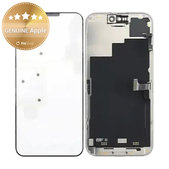
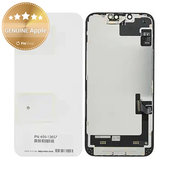
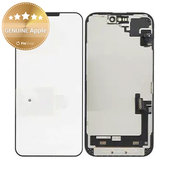
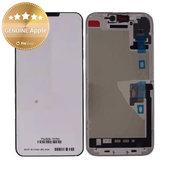
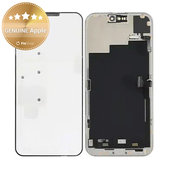
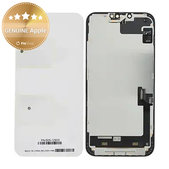
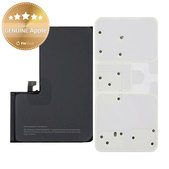
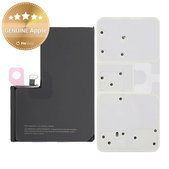
How to Choose the Correct GENUINE Apple Part for Your iPhone
When choosing a part, the exact iPhone model and the type of component you need to replace are crucial. Individual models may differ in their dimensions, connectors, and construction.
You can find the device model under Settings > General > About. If the model number is not visible, you can verify it using the serial number on the Apple Check Coverage page.
Before ordering, check the product name, photos, specifications, compatibility, and package contents. If you are unsure which part to choose, contact us and we will help you find the right one.
Comparison of GENUINE Apple and Other Display Quality Grades
| Quality | Origin and construction of the display | Refresh rate | Information displayed after replacement |
|---|---|---|---|
| GENUINE Apple | New original display from Apple’s official distribution network | Original 120 Hz on supported models |
After completion through APS, “Genuine” is displayed. |
| Service Pack | New display in the highest quality without final Apple authorisation | Original 120 Hz on supported models | An “Unknown Part” message is displayed |
| Refurbished PRO | Original refurbished display that may have a replaced touchscreen glass or frame | Original 120 Hz on supported models | An “Unknown Part” message is displayed |
| Refurbished | Original refurbished display that may have a replaced touchscreen glass, frame, or flex cable | Original 120 Hz on supported models | An “Unknown Part” message is displayed |
| FixPremium Soft OLED | New third-party display with the same screen size and display area as the original | 60 or 120 Hz depending on the version | An “Unknown Part” message is displayed |
| FixPremium Hard OLED | New third-party display with a smaller display area and thicker frame | 60 Hz, up to 90 Hz on selected models | An “Unknown Part” message is displayed |
| FixPremium In-Cell | New third-party display with lower brightness, contrast, and colour accuracy | 60 Hz, up to 90 Hz on selected models | An “Unknown Part” message is displayed |
| Aftermarket | New third-party display with lower image quality and a smaller display area | 60 Hz | An “Unknown Part” message is displayed |
Comparison of GENUINE Apple and Other Battery Quality Grades
| Quality | Origin and construction of the batter | Battery health | Information displayed after replacement |
|---|---|---|---|
| GENUINE Apple | New original battery from Apple’s official distribution network | Displayed |
After completion through APS, “Genuine” is displayed. |
| Service Pack | New battery in the highest quality without final Apple authorisation | Displayed | An “Unknown Part” message or important battery message may be displayed |
| FixPremium | New third-party battery | Displayed | An “Unknown Part” message or important battery message may be displayed |
| Aftermarket PRO | New third-party battery in a higher quality grade | Not displayed | An “Unknown Part” message or important battery message may be displayed |
| Aftermarket | New third-party battery in a basic quality grade | Not displayed | An “Unknown Part” message or important battery message may be displayed |
A detailed explanation of the labels and differences between display, battery, and other component quality grades can be found on the Quality standards of spare parts page.
What Is Apple Parts Service (APS)?
Apple Parts Service (APS) is a programme through which professional repair shops and technicians can access new original Apple spare parts from official distribution.
For supported models and components, the repair must be completed using Repair Assistant after installation. Once the process has been completed successfully, the replaced component will be marked as “Genuine” in the Parts and Service History section.
What Should You Check Before Installation?
Before starting the repair, compare the new part with the original component and check its dimensions, connectors, and overall condition. Do not install the part permanently until you have verified its compatibility and functionality.
Connect and test the display before applying adhesive and closing the device. Check the image, touch controls, brightness, and correct connection of the flex cables.
For the battery, check the connector, physical condition, and correct placement inside the device. Do not bend, compress, or puncture the battery.
Replacing a display or battery requires suitable tools, experience, and the correct procedure. If you do not have repair experience, we recommend entrusting the installation to a professional technician.
iPhone Repair Guides
Procedures for replacing displays, batteries, and other components on selected models can be found in the Repair Guides section. Before starting the repair, select the guide intended for the exact iPhone model and the type of part being replaced.
Frequently Asked Questions – FAQ
Do I Need to Transfer the Original Components During Replacement?
This depends on the specific part and iPhone model. For some repairs, selected components may need to be transferred from the original part.
Can I Return an Installed Part?
The possibility of returning or claiming a warranty for a part depends on the condition of the product and the applicable terms and conditions and warranty policy. Therefore, inspect and test the part before applying adhesive or installing it permanently.
Are Tools Included in the Package?
No. GENUINE Apple displays and batteries do not include tools, adhesive, or other accessories.
We also offer selected displays in other quality grades whose packaging includes an installation kit, such as adhesive, tempered glass, and basic tools. The exact package contents are listed on the specific product page.
Related Categories and Useful Links
Displays and Touchscreen Glasses for iPhone
Batteries for iPhone
Spare Parts for iPhone
Mobile Phone Repair Tools
Adhesives for Electronics Repair
Chemicals and Cleaning Products
Do You Repair Devices Yourself or Purchase Parts for a Repair Shop?
Do you repair electronic devices yourself? The Fix-Handyman programme allows you to purchase spare parts, tools, and repair equipment more affordably in one place.
Do you operate a repair shop or regularly purchase larger quantities of spare parts? Take advantage of our wholesale cooperation and receive more favourable purchasing conditions.

