


How to Choose the Correct Battery for a MacBook
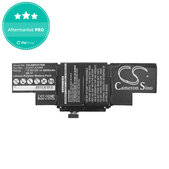
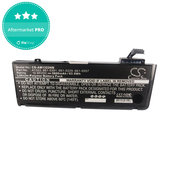
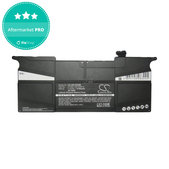
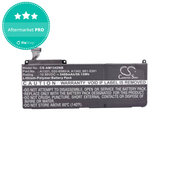
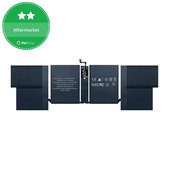
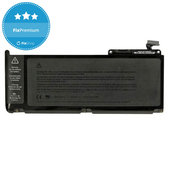
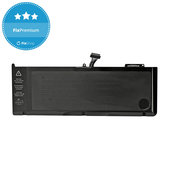
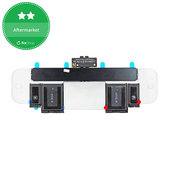
MacBook batteries may differ in dimensions, capacity, connector, cell shape, and compatibility with a specific model. Before ordering, check the exact device designation, required battery quality, capacity, and package contents.
1. Verify the Exact MacBook Model
When choosing a battery, knowing only the device name, such as MacBook Air or MacBook Pro, is not sufficient. The same name may refer to several generations that use different batteries.
You can verify compatibility using the following information.
Serial number
Example: W88401231AX*
You can find it in the “About This Mac” section.
Model number
Example: A1534*
You can find it on the bottom cover of the MacBook.
Model identifier – Model ID
Example: MacBookAir8,2 or Mac15,3*
You can find it in the “About This Mac” section.
EMC number
Example: EMC 1969*
You can find it on the bottom cover of the MacBook.
*The designations shown are examples only.
If the model number is not visible, you can verify the device model using the serial number on the Apple Check Coverage page.
2. Choose the Required Quality Grade
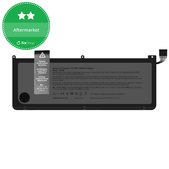
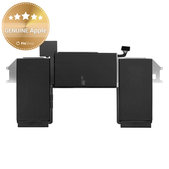
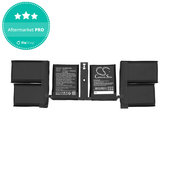
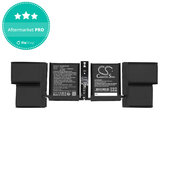
Consider whether you prefer a genuine part, a higher-quality alternative, or the lowest possible price. The specific differences between the quality grades are shown in the comparison table below.
3. Check the Battery Capacity
Capacity may vary slightly between batteries for the same model. However, a higher value does not automatically mean longer battery life or higher quality. When choosing, focus primarily on compatibility with the specific MacBook model and the information stated for the product.
4. Check the Package Contents
Package contents may vary between products. The battery may include adhesive, screwdrivers, or other accessories, or it may be supplied separately. The exact contents are stated in the name and description of the specific product.
Comparison of MacBook Battery Quality Grades
| Quality | Cells Used | Main Features | Suitable for |
|---|---|---|---|
| GENUINE Apple | Genuine Apple cells | Genuine part | Customers who require a genuine battery |
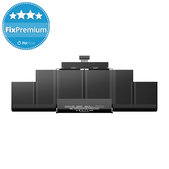
| FixPremium | Pure Cobalt | Stable performance, longer service life, and capacity comparable to the original | Customers looking for a high-quality alternative to the original |
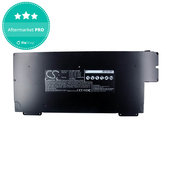
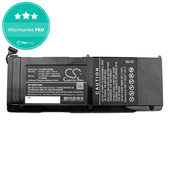
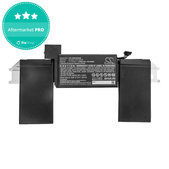
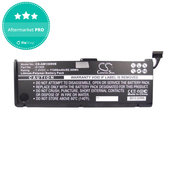
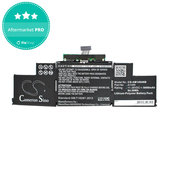
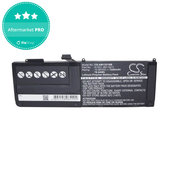
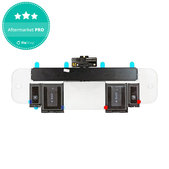
| Aftermarket PRO | Lithium Cobalt | Higher-quality cells and workmanship than standard Aftermarket | Customers looking for a balanced price-to-quality ratio |
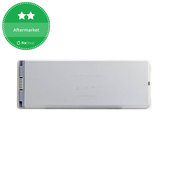
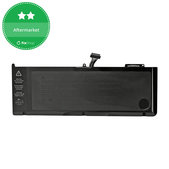
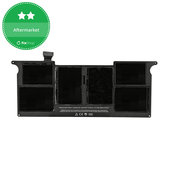
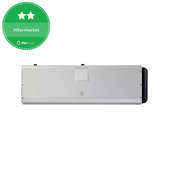
| Aftermarket | Lithium Cobalt | Basic replacement quality at the lowest price | Customers for whom price is the deciding factor |
When Should a MacBook Battery Be Replaced?
Replacement is particularly necessary when the battery is swollen, deformed, physically damaged, or no longer provides sufficient battery life for normal use. You should also consider replacement in the event of charging problems, unexpected shutdowns, or repeated battery service warnings.
If the battery is swollen or deformed, do not continue using or charging the MacBook.
Replacing the Battery in a MacBook
Battery replacement may require the removal of several components and the safe removal of the original adhesive. For selected models, you can follow our repair guides. If you do not have the necessary experience or tools, leave the replacement to a professional repair service.
Frequently Asked Questions - FAQ
Is the battery compatible with all MacBooks with the same Axxxx designation?
Not always. The same MacBook model number may cover several generations or configurations that use different batteries. The compatibility stated for the specific product, including the device year and EMC number, is decisive.
Can I replace the battery in my MacBook myself?
Yes, provided you have the necessary experience, suitable tools, and safe working conditions. For selected models, you can also use our replacement guides.
The replacement may require the removal of several components and the original adhesive. Improper handling may damage the battery or other parts of the device.
How long does a replacement battery last?
Its service life depends on the quality of the cells, the number of charging cycles, usage, charging habits, and operating temperature. Its exact service life cannot be guaranteed in advance.
How should I dispose of the old battery correctly?
Do not dispose of a used battery in household waste. Take it to a collection point designated for used batteries or electrical waste.
Repairing a MacBook at Home or Purchasing for a Repair Shop
Is repairing electronics your hobby? Join the Fix-Handyman programme and benefit from discounts when purchasing replacement parts, tools, and other equipment required for repairs.
Do you repair MacBooks regularly or purchase replacement parts for a repair shop? Take advantage of our wholesale cooperation and save on replacement parts, tools, and other repair equipment.
Related Categories
💻 MacBook Displays
🔧 MacBook Replacement Parts
🧰 MacBook Repair Tools
📖 Repair Guides
ℹ Quality standards of spare parts

